automate wordpress blog posting from external source
Automate WordPress blog posting from external sources with a practical workflow that balances speed and editorial control.
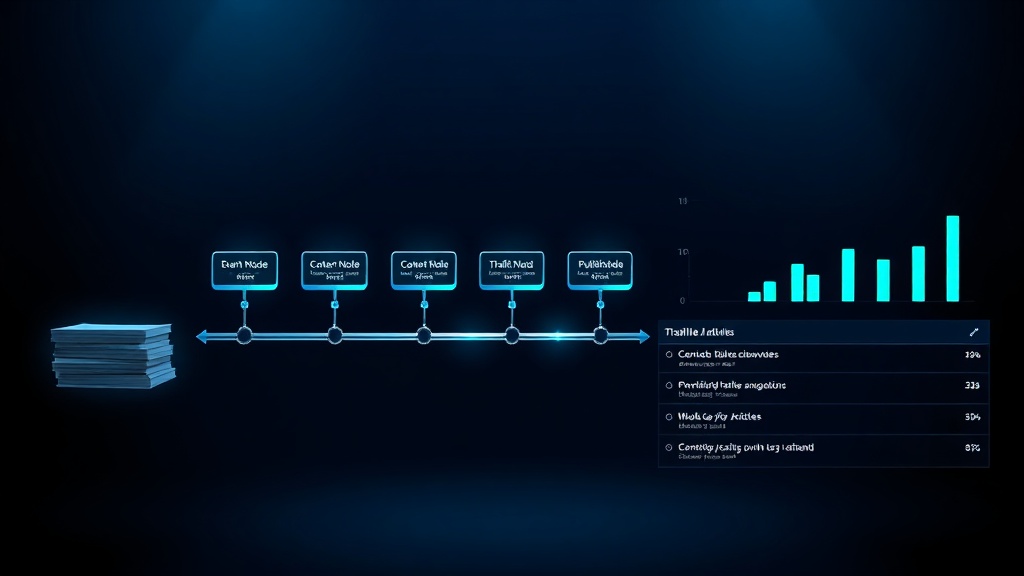
Automating WordPress blog posting from an external source means setting up a pipeline that pulls content from a tool or platform and publishes it to your WordPress site without manual copy-paste. This is typically done via the WordPress REST API, XML-RPC, or a plugin that connects to an external service.
The most reliable approach uses a middleware tool that fetches content from your external source (like a headless CMS, Google Docs, or an AI writing platform), formats it, and pushes it to WordPress. Direct API calls work but require development effort; plugins reduce complexity but may limit flexibility.
Automation saves significant time for teams publishing multiple articles per week, but it introduces risks around content quality and formatting consistency. The key is to build in editorial checkpoints before auto-publishing.
- Use the WordPress REST API for custom automation; plugins for quick setup.
- Always include a human review step before auto-publishing to catch errors.
- External sources must output clean, structured content (HTML or Markdown) to avoid formatting issues.
- Schedule posts rather than publishing instantly to maintain a consistent cadence.
Common WordPress Blog Posting Mistakes That Cost You Rankings
Manually copying and pasting blog posts from an external source into WordPress is error-prone and time-consuming. A single formatting glitch can break your layout, and the constant context switching kills productivity. For teams publishing multiple articles per week, this overhead adds up to hours of wasted effort.
For example, a SaaS team publishing eight articles per month might spend 30 minutes per post just on formatting and scheduling. That's four hours a month — time better spent on strategy or promotion. Worse, manual errors like broken images or missing links can hurt SEO and user experience.
The most common mistake is assuming that full automation without human oversight is the goal. Teams rush to set up auto-publishing from an external source, only to find that poorly formatted content, broken embeds, or outdated information goes live without anyone noticing. The result is a messy site that erodes trust.
Over time, these small errors compound. Search engines penalise sites with inconsistent formatting and broken elements, and readers bounce. The cost of fixing these issues after publication is far higher than catching them before.
If keeping a consistent publishing schedule feels impossible without a dedicated team, Zorenax automates the entire cycle — keyword to published post, on schedule, without manual work.
What Actually Matters in Automating WordPress Blog Posting
Most teams focus on the technical integration — API keys, webhooks, plugins — but the real challenge is content readiness. An external source that outputs unstructured or inconsistent content will cause more problems than it solves. The automation is only as good as the input it receives.
The common assumption is that automation eliminates human effort. In practice, it shifts effort from manual publishing to content preparation and review. The teams that succeed invest in standardising their external content format (e.g., consistent heading levels, image placement, metadata) before automating the push.
A well-designed automation pipeline includes a staging step where content is reviewed before going live. This can be a draft status in WordPress or a separate review tool. The goal is not to remove humans but to remove repetitive, low-value tasks.
- Content format consistency from the external source is more important than the automation method.
- Automation without editorial review amplifies quality problems — it doesn't solve them.
- The WordPress REST API offers the most control but requires development skills; plugins trade control for speed.
- Scheduling posts via automation helps maintain a consistent publishing cadence, which search engines favour.
Practical WordPress Blog Posting Automation Workflow
For example, a B2B SaaS startup using an AI writing tool to generate blog drafts can automate the entire pipeline: the AI tool outputs structured content, a middleware script formats it into WordPress blocks, and the post is created as a draft. A human editor then reviews and schedules it. This reduces manual effort by 80% while maintaining quality control.
A key limitation: the external source must output content in a format WordPress can parse — typically HTML or Markdown. If the source outputs plain text or proprietary formatting, you'll need a conversion step. Also, images and media must be uploaded separately or linked externally, which can affect load times.
For a solo freelancer managing three client blogs, a simpler approach works: use a plugin like WP All Import or Zapier to pull content from a Google Doc or RSS feed into WordPress as drafts. This avoids custom development but still requires manual review. As the number of sites grows, a custom API integration becomes more efficient.
- Standardise your external content format: Define a template for headings, images, metadata, and call-to-action blocks. This ensures consistent output from your source.
- Choose your integration method: For custom control, use the WordPress REST API with a script that sends POST requests. For speed, use a plugin like WP All Import or a no-code tool like Zapier.
- Set up a staging step: Configure the automation to create posts as drafts, not published. This gives you a chance to review formatting, fix errors, and add internal links before going live.
- Schedule posts automatically: Use WordPress's built-in scheduling or set a publish date in the API call. This maintains a consistent publishing cadence without manual intervention.
The automation flow described above is what the Zorenax auto-publishing system runs for you — set your cadence once, and content goes live without intervention.
Trade-Offs: Manual Posting vs Automated Posting
Manual posting gives you full control over formatting and allows last-minute edits, but it's slow and repetitive. Automation saves time but requires upfront setup and ongoing monitoring. The right choice depends on your publishing volume and technical resources.
Teams publishing fewer than four articles per month may not benefit enough from automation to justify the setup effort. High-volume publishers (10+ articles per month) see significant time savings. Freelancers managing multiple sites benefit most from a lightweight automation setup.
| Task | Manual | With Zorenax |
|---|---|---|
| Post creation | Copy-paste from source | API push as draft |
| Formatting | Manual block editing | Auto-format from template |
| Scheduling | Set date manually | Auto-schedule with delay |
| Error rate | High (human typos) | Low (consistent format) |
| Setup effort | None | Initial configuration |
Implementation Checklist: Automate WordPress Blog Posting
Today: Audit your last 10 published articles. Note how much time you spent on formatting, scheduling, and fixing errors. Identify the most common formatting issues — these are what your automation must handle.
This Week: Set up a test pipeline using Zorenax's Auto Publishing feature. Connect your external content source (e.g., Google Doc or AI draft) and configure it to push posts as drafts to WordPress. Review the output for formatting consistency and adjust your source template as needed.
Next 30 Days: Run a full month of automated drafts with human review. Measure the time saved and track any quality issues. Once you're confident in the output, enable auto-publishing with a scheduled delay (e.g., publish 24 hours after creation) to allow for last-minute edits.
Next Steps After Automating WordPress Blog Posting
You now know that automating WordPress blog posting from an external source is less about the technical integration and more about content readiness and editorial oversight. The practical implication is clear: invest in standardising your content format before building the pipeline.
If automating this workflow without sacrificing quality sounds right, Zorenax handles the full pipeline — from keyword research to published article — with built-in editorial checkpoints. You can start with 12 free credits to see how it fits your process.
The first step is to audit your current publishing workflow and identify the biggest time sinks. Then, set up a simple test with a single external source to validate the approach.
Frequently Asked Questions
Can I automate WordPress blog posting from Google Docs?
Yes, you can automate posting from Google Docs using tools like Zapier or a custom script. The direct answer is that it's possible but requires a middleware step to convert the Google Doc to HTML or WordPress blocks. Why: Google Docs exports as HTML or plain text, but WordPress expects block markup. Practical advice: Use a plugin like Google Doc Embedder or a Zapier integration that sends the document content to WordPress as a draft. Caveat: Formatting like tables and images may not transfer perfectly, so always review the draft. Example: A freelancer uses Zapier to create a WordPress draft from a Google Doc, then manually adjusts the layout before publishing.
What is the best plugin to automate WordPress posting from an external source?
The best plugin depends on your source and technical comfort. WP All Import is excellent for pulling content from RSS feeds, CSV files, or XML. Why: It offers powerful mapping and scheduling features. Practical advice: For most users, start with WP All Import or Zapier (no-code). If you need real-time posting from a custom source, consider the WordPress REST API with a custom plugin. Caveat: Plugins can slow down your site if not optimised, and they may not handle complex formatting. Example: A marketing team uses WP All Import to automatically import blog posts from a Google Sheet into WordPress as drafts.
How do I ensure content quality when automating WordPress posts?
Content quality is maintained by never auto-publishing without a review step. The direct answer: always create posts as drafts first. Why: Automation can introduce formatting errors, broken links, or outdated information. Practical advice: Set up your automation to push content as drafts, then use a human editor to review and publish. Use a checklist for formatting, links, and SEO metadata. Caveat: Even with a review step, automated content can feel generic if the source lacks a human touch. Example: A SaaS company uses Zorenax to generate drafts from AI, then an editor reviews and adds internal links before scheduling.
Can I schedule automated posts to publish at specific times?
Yes, you can schedule automated posts by setting a future date and time in the WordPress post object. Why: The WordPress REST API and most plugins support the 'date' parameter. Practical advice: When sending the post via API, include a 'date' field with a GMT timestamp. For plugins like WP All Import, you can set a default publish date offset. Caveat: If your external source sends posts at irregular intervals, scheduling may require additional logic to maintain a consistent cadence. Example: A blog manager sets all automated posts to publish at 8 AM EST, three days after creation, to allow for review.
What are the risks of automating WordPress blog posting?
The main risks are content quality degradation, broken formatting, and security vulnerabilities. Why: Automation can amplify errors if the external source produces inconsistent output. Practical advice: Always test with a staging site first. Use authentication (API keys) and limit access to trusted sources. Monitor your site for broken elements after each automated post. Caveat: Over-automation can make your site feel impersonal if readers detect a lack of human touch. Example: A startup that auto-published AI-generated articles without review saw a spike in bounce rates due to irrelevant content.
To go deeper, explore Auto Publishing in Zorenax, or see pricing plans.
Your content calendar should run itself. Start Free → and publish your first automated article today.
Try Zorenax free with 12 credits
Find keyword opportunities, generate articles, and publish to WordPress automatically.
Get better at
SEO automation.
Join Zorenax and start creating SEO-ready content with AI.
Try For Free